Launch a campaign in a few taps
Paste numbers or upload a CSV with custom fields. Go live now or schedule it.
For businesses on Troika Tech's AI calling platform, Swara. Launch campaigns, watch them run and act on hot leads wherever you are, with the same live data as your web dashboard.
Every qualified lead is tagged with keywords, such as 2BHK, admission, campus visit, health cover, interest rate, eligibility, renewal, price and discount.
Inside the app
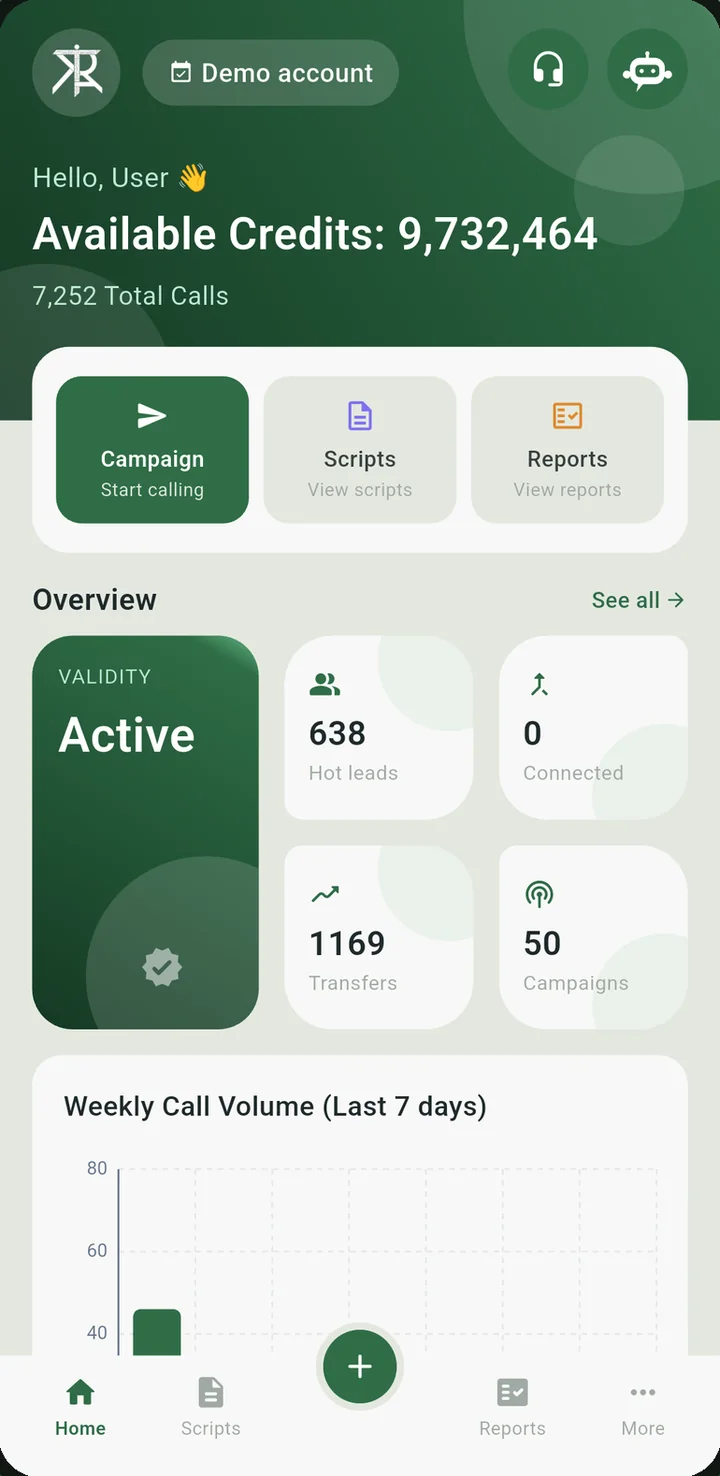
Available credits, total calls, hot leads, transfers, connected calls and a 7-day call volume chart.
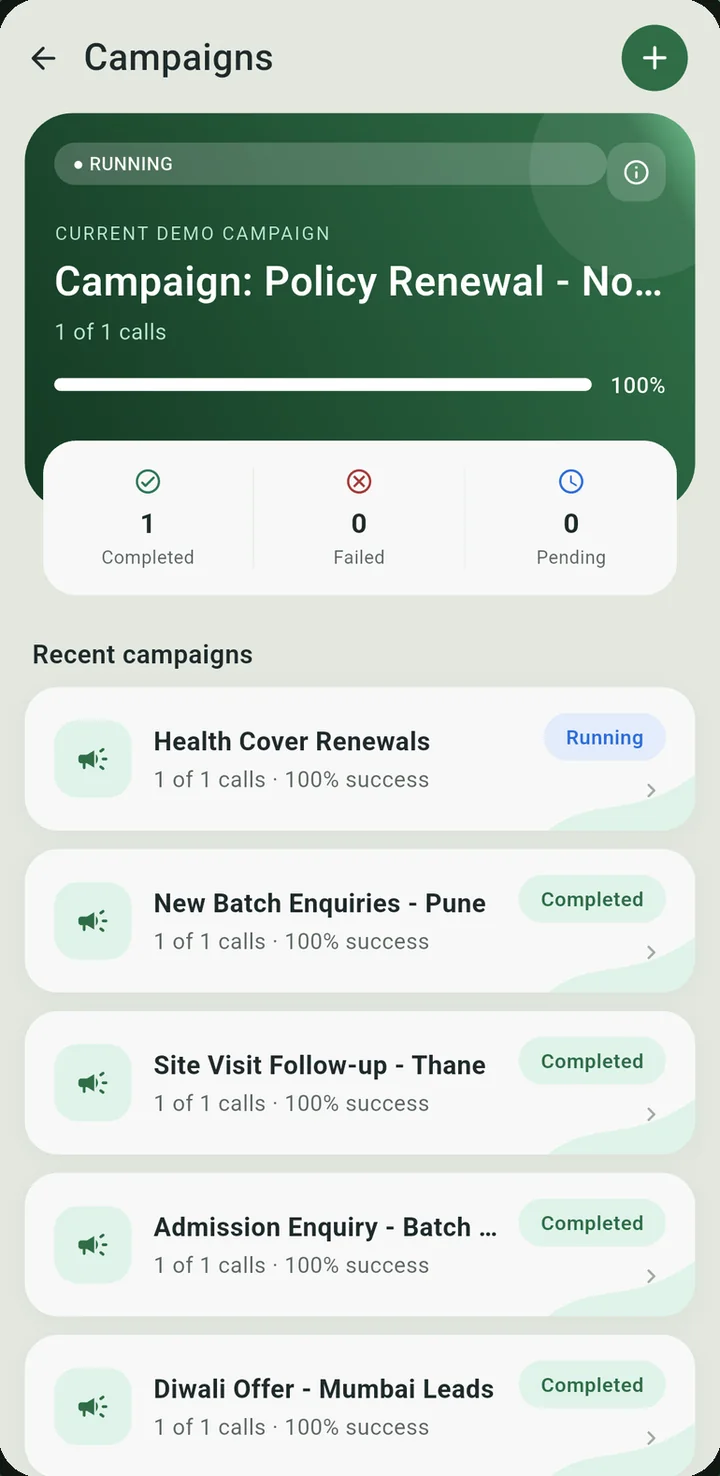
Create live or scheduled campaigns. Add phone numbers or upload a CSV with custom fields, then pause, resume or cancel any time.
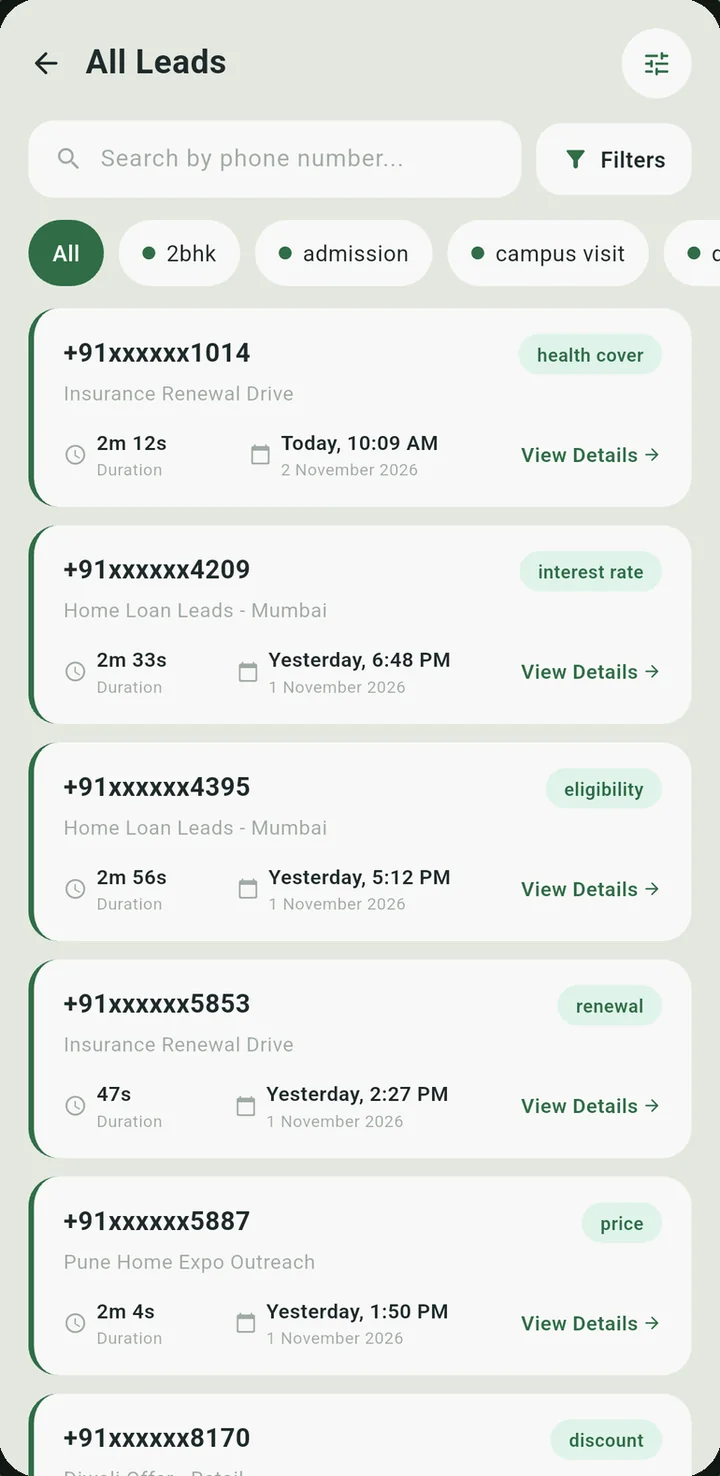
Every lead your AI agent qualified, grouped by campaign, with keywords and lead categories you can filter.
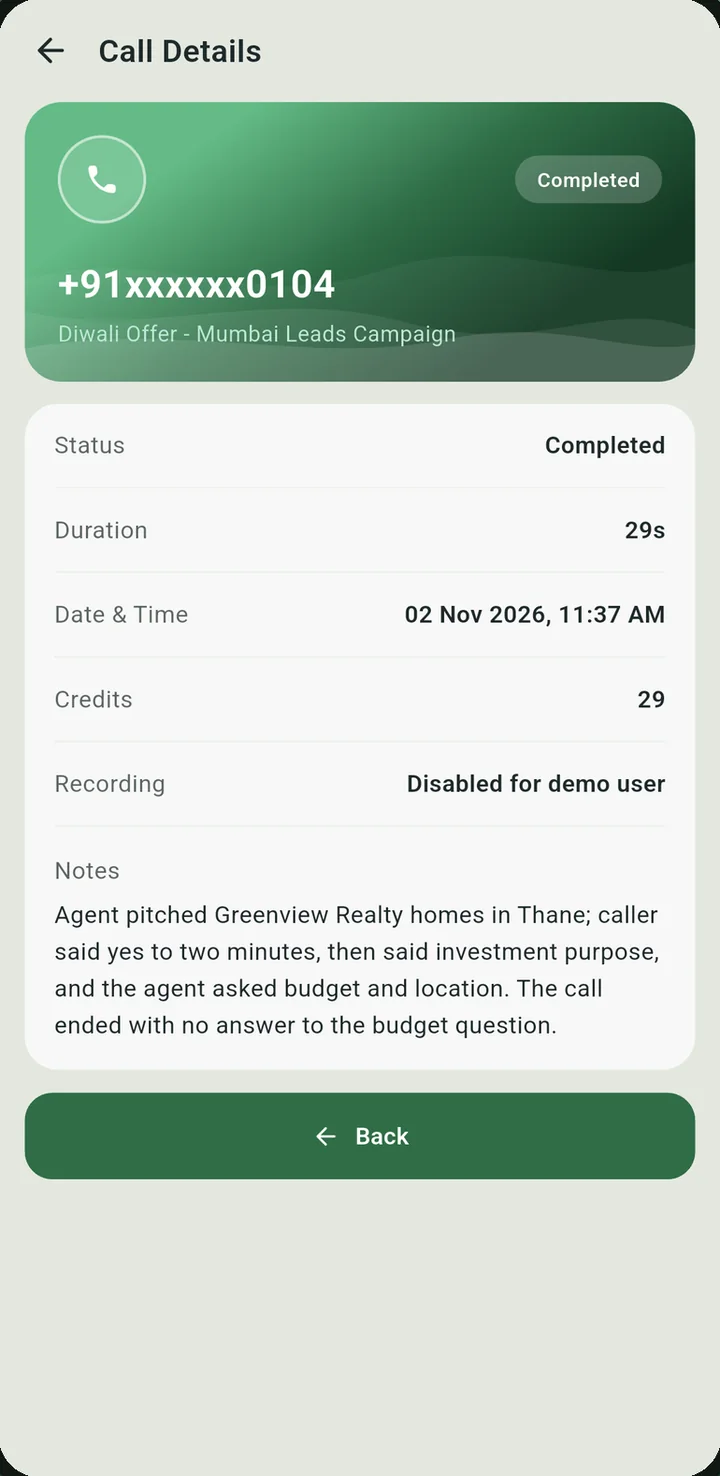
Listen to the recording, then read the summary and transcript. Status, duration and credits sit right beside them.
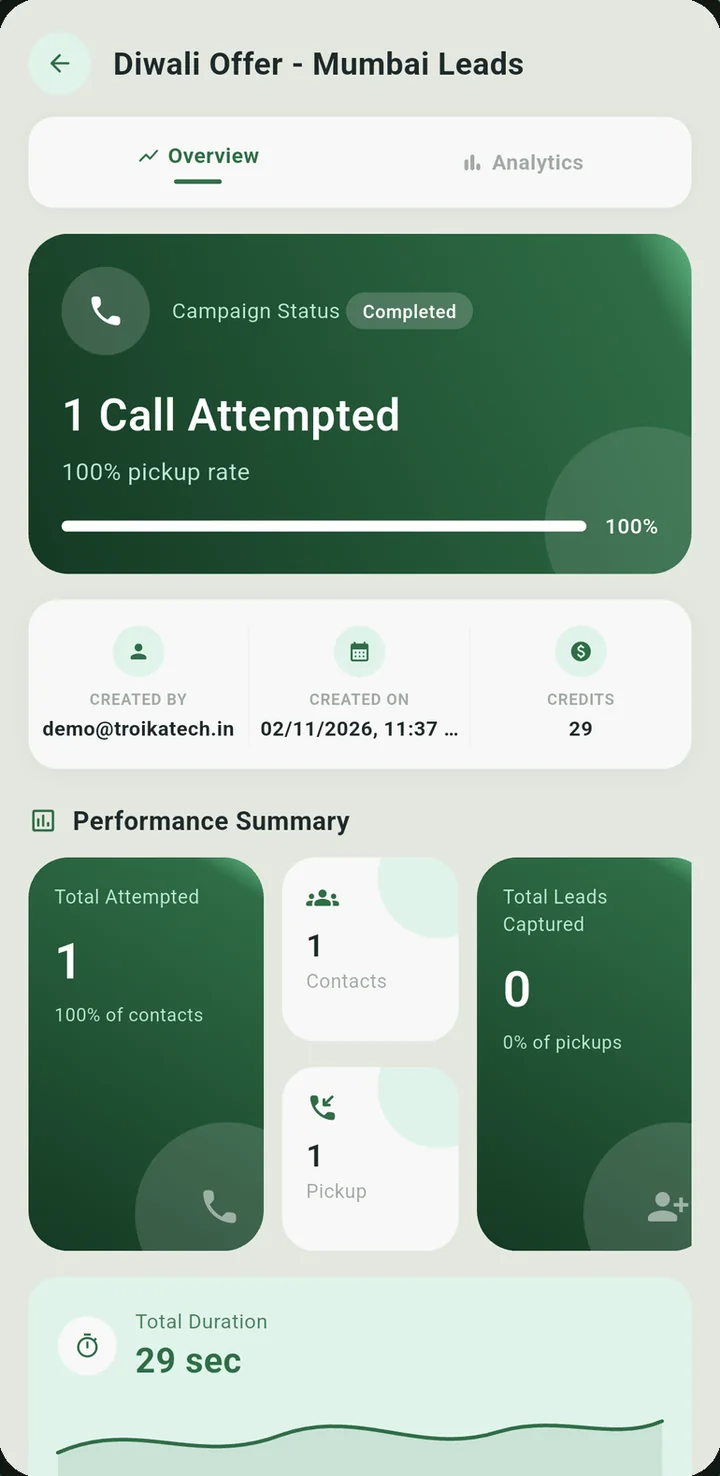
Pickups, leads, duration and credits per campaign, plus delivery reports and analytics you can export as CSV.
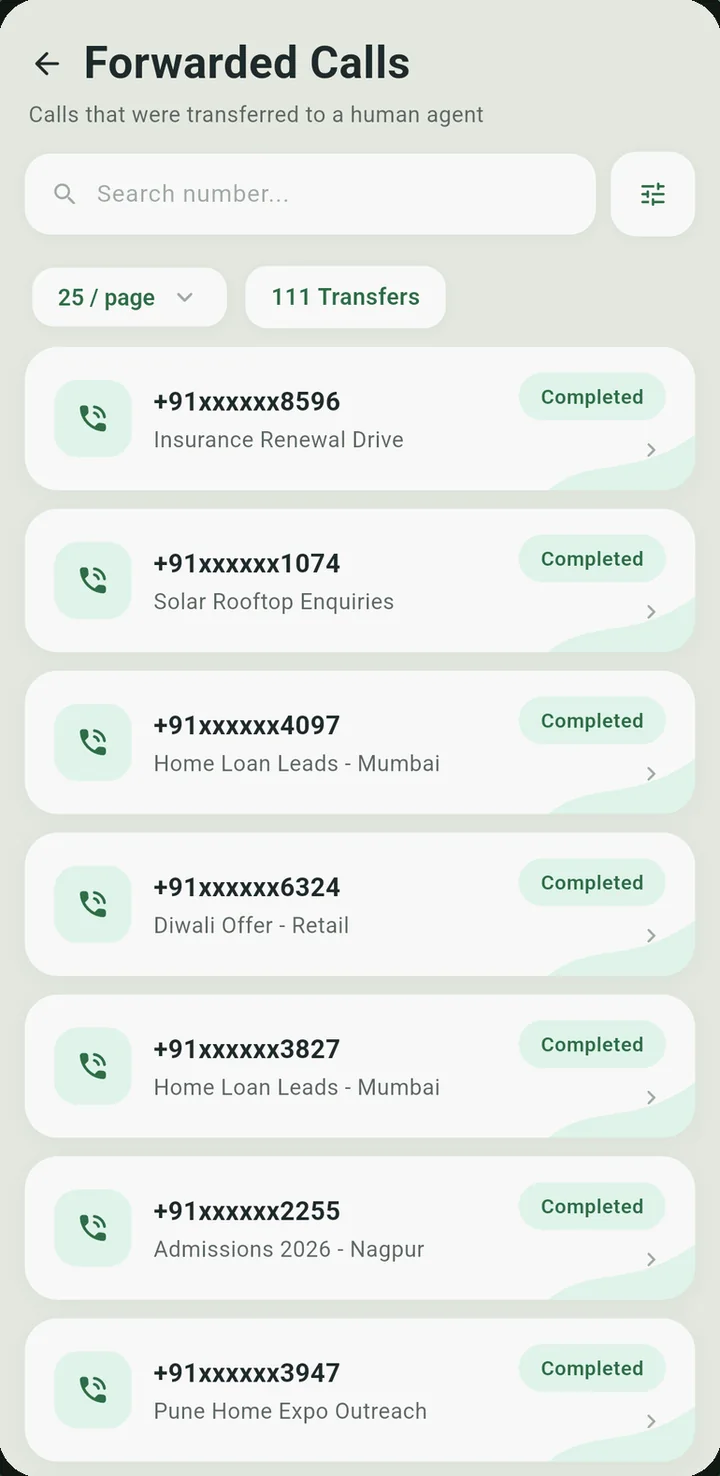
Review every call the AI handed to a human agent, with status, duration and date.
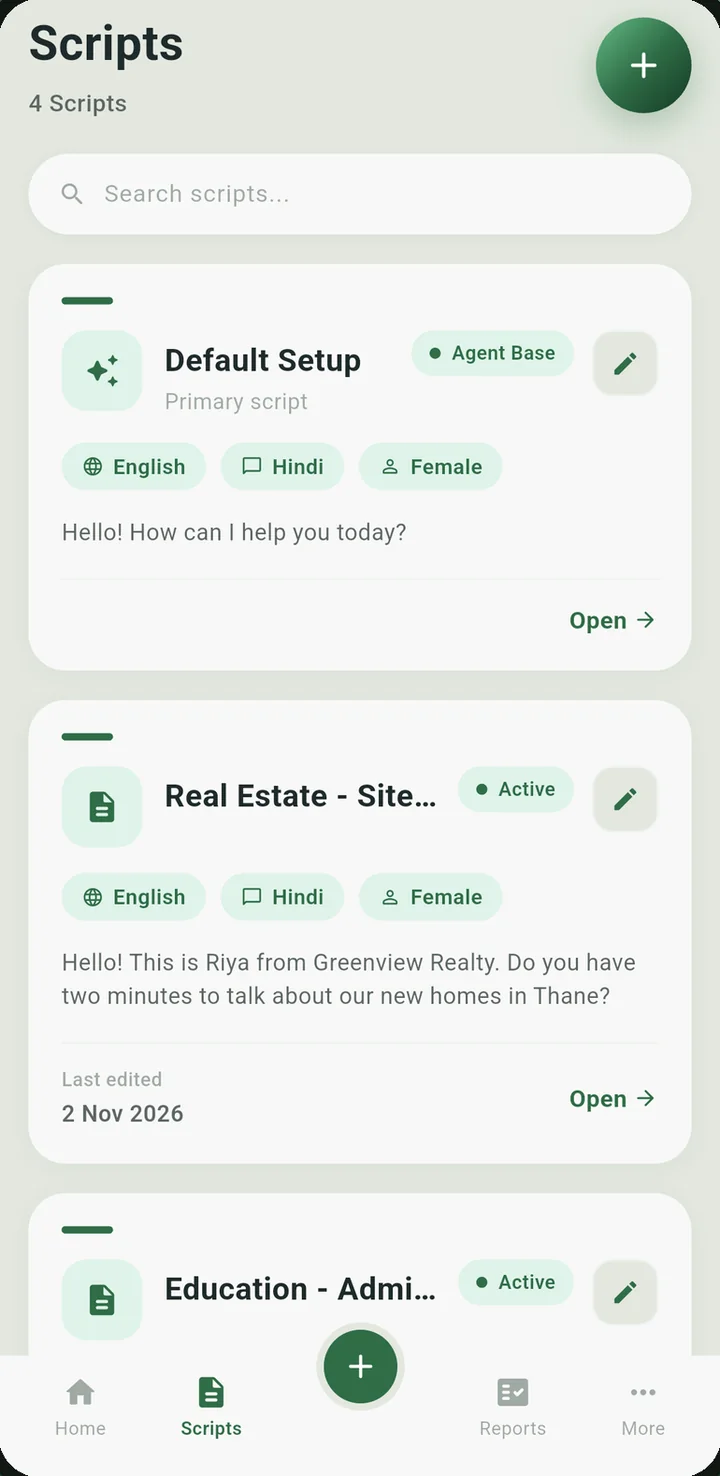
Create and edit scripts, preview voices, get an AI quality score and send for approval.
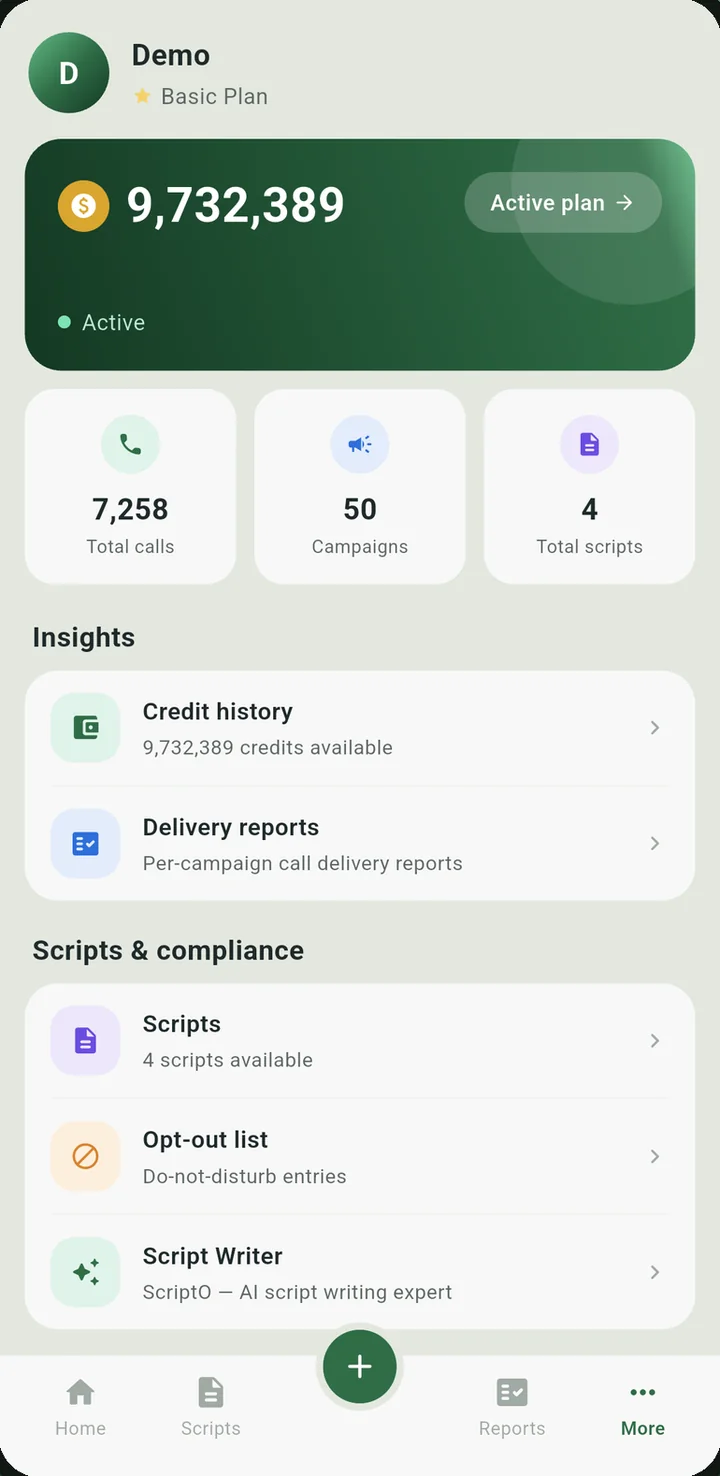
Credit history, delivery reports, your opt-out list and the Script Writer, one tap away.
Call details
Each call comes back with its recording, summary and transcript. Your team reads it in the language they work in.
AI summary
Caller said the home is for investment. The agent asked for budget and location.
Sample summary. Translate into any of these 8 languages in the app.
Features
Paste numbers or upload a CSV with custom fields. Go live now or schedule it.
Get notified on a transfer, a new lead or a campaign start.
Preview voices and get an AI quality score before submitting.
The AI assistant answers questions about your account and campaigns in plain language.
Connect Zoho CRM or Salesforce and follow your synced leads.
Delivery reports, analytics, credit history and data collection results, with CSV export.
Manage scheduled callback requests and your do-not-disturb list.
Privacy
The app asks for internet access and notifications. It never reads your phone's address book.
Please only call people who have agreed to receive calls from your business, in line with TRAI and NCPR (DND) rules.
Get started
Get AI Calling App - Troika Tech free from Google Play.
Use your Troika Tech account, or tap "Try a demo" to explore a shared demo account.
Add your numbers, launch, and follow the results from your phone.
FAQ
Yes. It is free on Google Play, with no ads and no in-app purchases. Calling credits are bought from Troika Tech outside the app.
You need a Troika Tech AI calling account to sign in. Accounts are created by Troika Tech, not inside the app.
Yes. Tap "Try a demo" in the app to explore a shared demo account, and our team will help you set up your own.
Yes. The app connects to your existing account and shows the same live data as your web dashboard.
You can translate summaries and transcripts into Hindi, English, Marathi, Tamil, Telugu, Bengali, Kannada or Gujarati.
Zoho CRM and Salesforce.
Some features depend on your plan and account settings.